Unified Workspace: Team chat + Works for Mobile
B3networks
Product Design
2024
This project focused on redesigning Team Chat and My Work into a more unified mobile workspace experience. The goal was to translate a feature-rich web experience into mobile without simply shrinking the interface, but instead reshaping it into a system that feels native, focused, and operationally efficient for agents on the go.
From a product design perspective, the work covered four major areas:
Defining a clearer mobile design system
Redesigning the team chat flow
Improving overall UI hierarchy and usability
Defining a stronger workflow and agent task management model
The result was a more structured mobile experience where chat, work, and action management feel connected rather than fragmented.
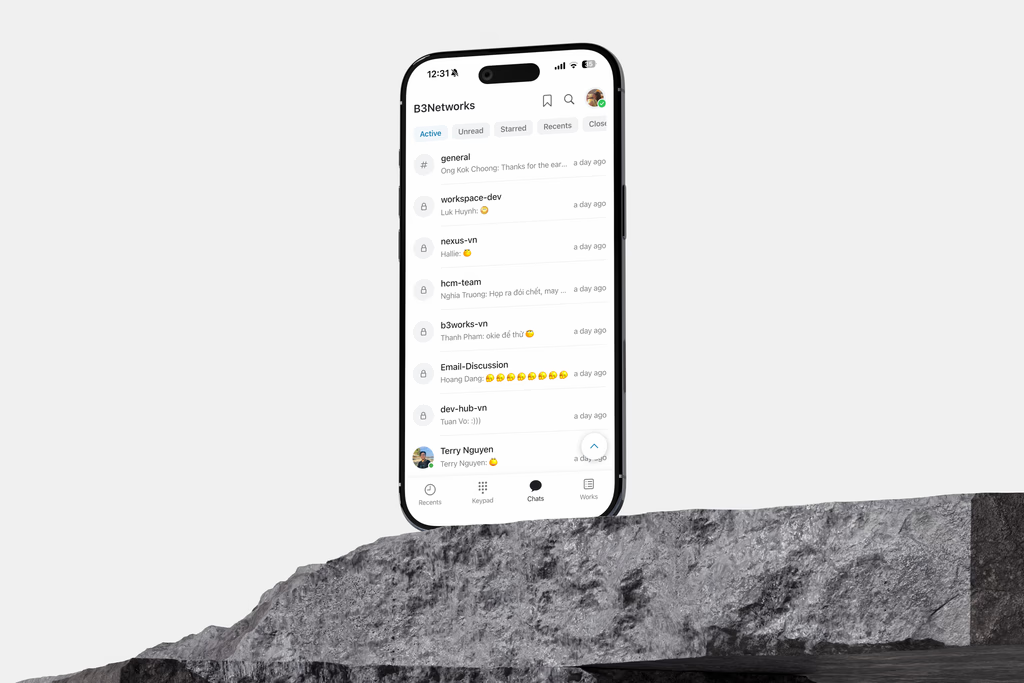
The Problems
This project addressed two interconnected yet distinct design challenges.
The first challenge was to refine and elevate the existing Team Chat mobile experience
While the product already supported channels, direct messages, archived content, and basic conversation access, the overall experience lacked clarity and visual consistency. The interface felt functional but unpolished - screens were visually inconsistent, certain elements felt incomplete, and the UI did not support fast scanning or decisive action-taking as effectively as it should. As a result, users had to invest more cognitive effort just to navigate, understand the context, and determine next steps.
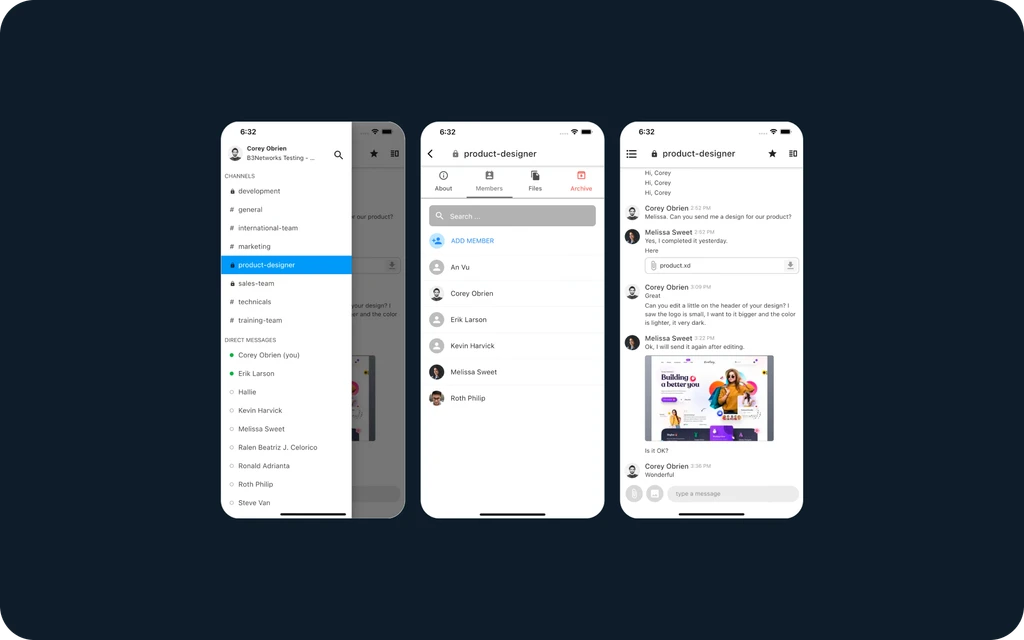
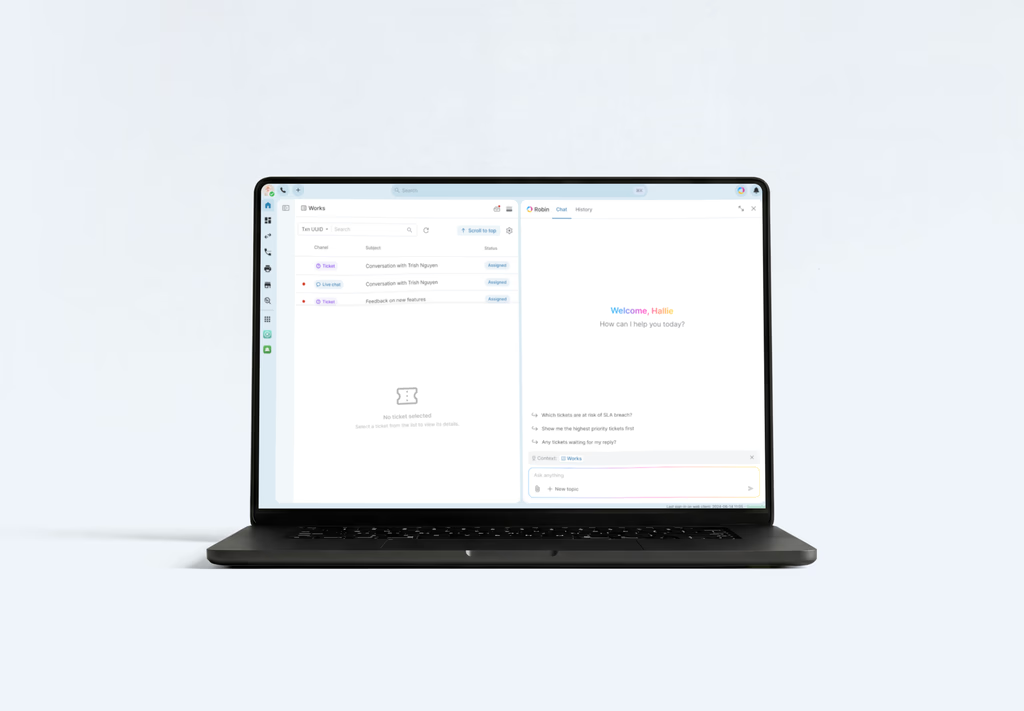
The second challenge - and the more ambitious one - was to bring Works from web to mobile
Unlike Team Chat, Works had no mobile presence at all. This meant the challenge wasn't simply improving an existing flow - it was about defining how a complex operational workspace should function on a much smaller screen. On web, the workspace already supported a broad work model where agents managed far more than just assigned items. In practice, their daily work encompasses:
Incoming work waiting for acceptance
Active conversations
Transferred sessions
Mentioned items
Created tasks
Watched work
Closed or ended conversations
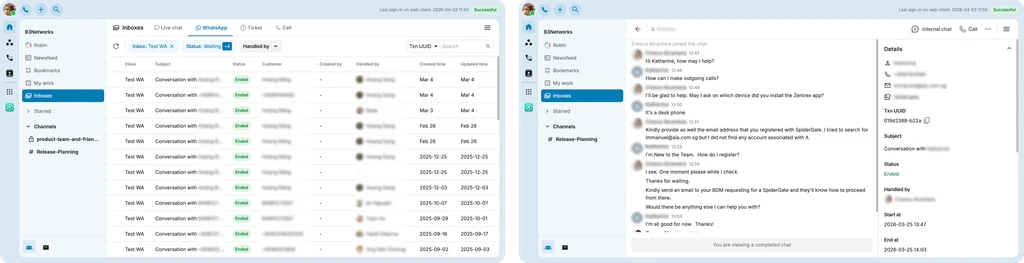
This made Works fundamentally more complex than a typical mobile list view. The challenge was to translate a data-heavy, action-oriented desktop experience into mobile while preserving its core usefulness, logic, and depth. It needed to carry the full strength of the web product - without simply squeezing the desktop structure onto a smaller screen.
Because of that, this project was never just about redesigning screens. It was about defining a mobile-first operational model that could support both communication and task management in a simpler, clearer, and more purposeful way.
Ideation
The core design goal was to transform mobile into a lightweight and operationally clear workspace rather than a communication-heavy interface. The redesign focused on improving scanability, strengthening visual consistency, translating web product logic into mobile-native patterns, and creating a stronger foundation between communication and work. It also laid the groundwork for future workflow enhancements, where mobile can better support ownership, prioritization, and action-based task handling.

Given Solutions
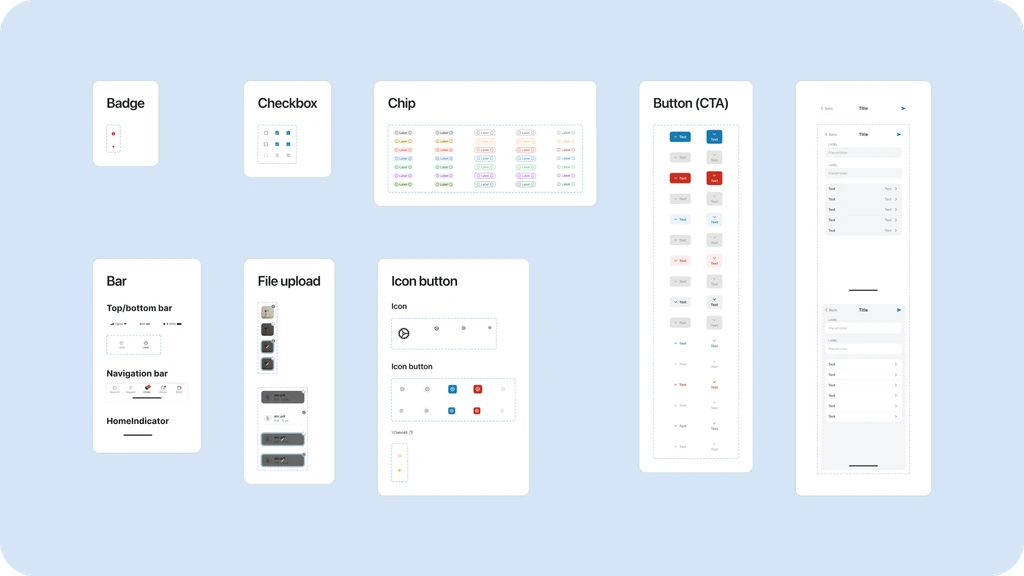
Defining the Mobile Design System
The Design System was built to create a consistent and scalable UI foundation across B3’s growing product ecosystem. Beyond visual consistency, it defined how interfaces should behave, scale, and stay coherent across complex enterprise products.
This design system makes the mobile UI feel more scalable and easier to extend across chat, work, and future modules.
Revamp the Team Chat
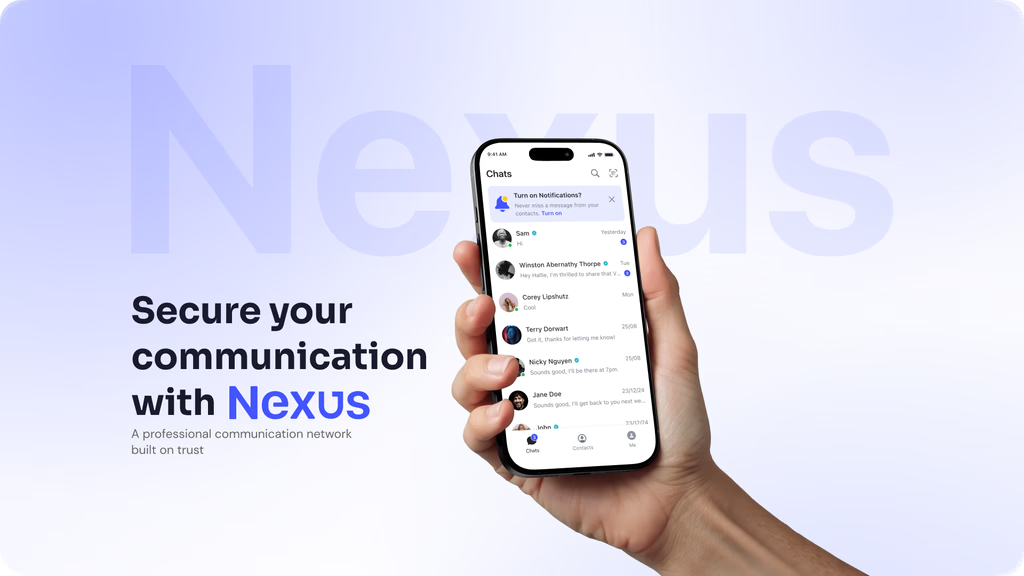
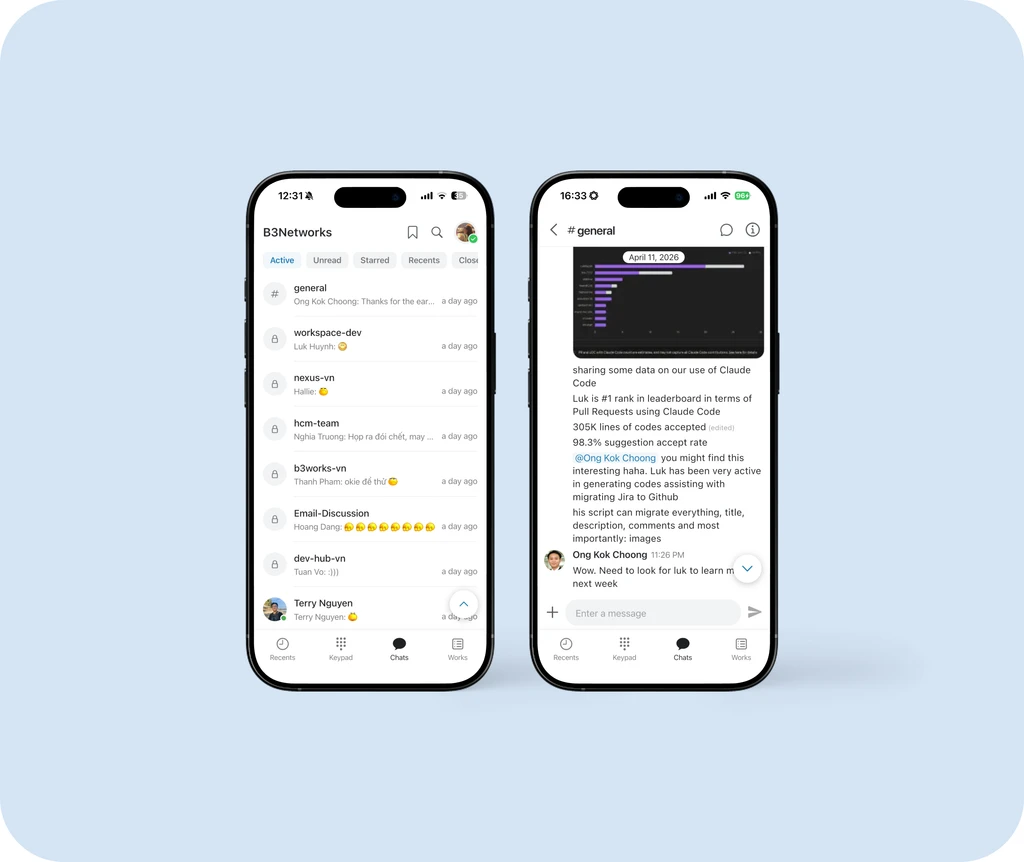
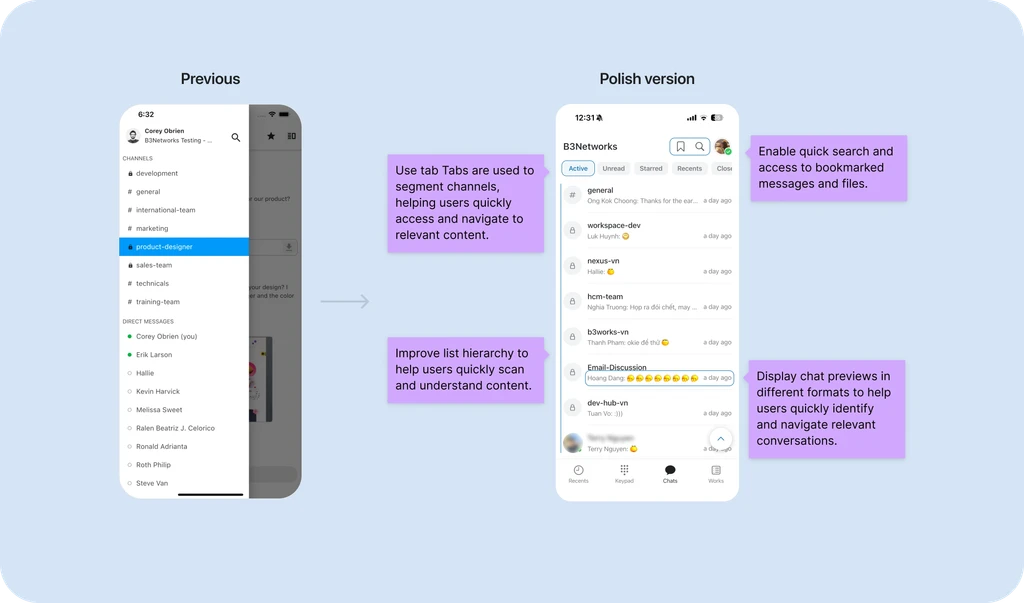
Chat entry and discovery
The chat home focuses on helping users quickly locate active conversations through
Clearer list hierarchy
Filter chips for active states
Searchable conversation access
More concise preview formatting
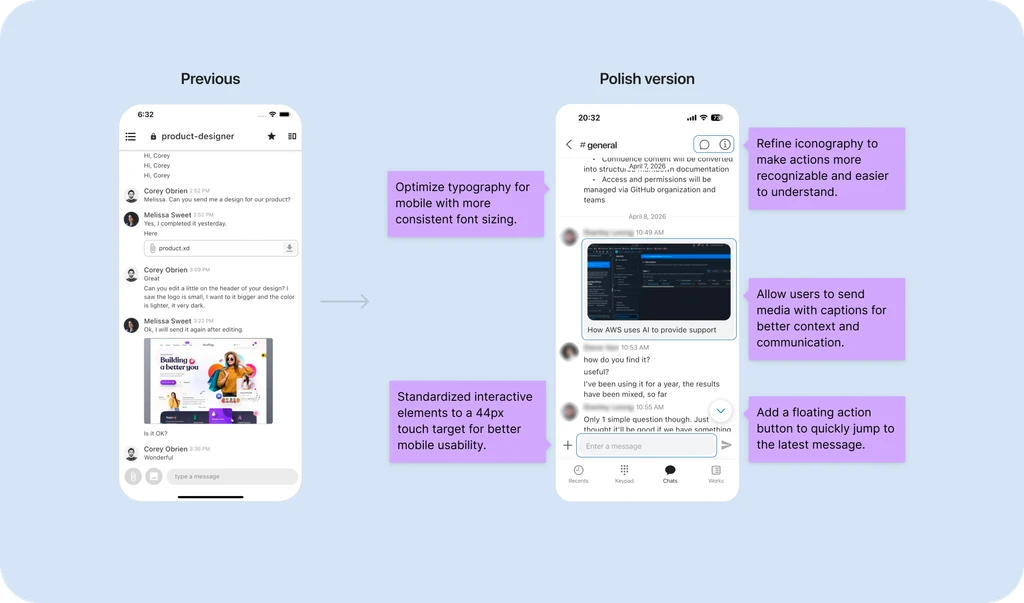
In-room reading and participationWithin a team chat thread, the redesign improves readability by focusing on:
Cleaner message grouping
Stronger spacing between system events and user messages
Better separation between media content and text
Clearer composer positioning and action readiness
This helps the conversation feel easier to follow, especially when users are scanning updates quickly.
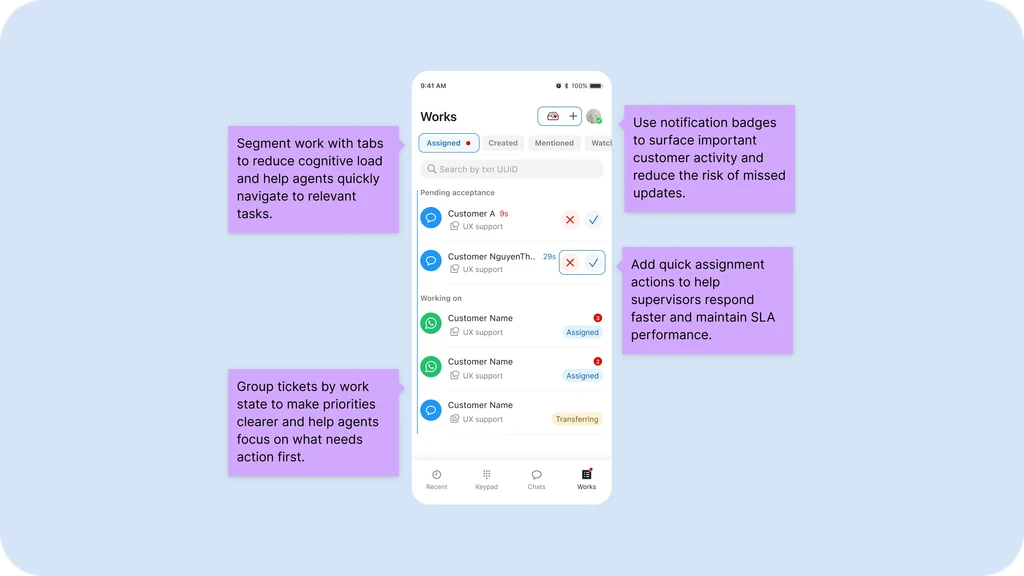
Bringing the Work flow on mobile view
The redesign of My Work into Works was one of the most important shifts in the product. From a product design standpoint, this work was not only about arranging cards and tabs. It was about defining:
How work should be categorized
How agents move between communication and execution
How to represent task state on a small screen
How to keep the system extensible for future workflow logic
The Design


Collaboration & Design Handoff
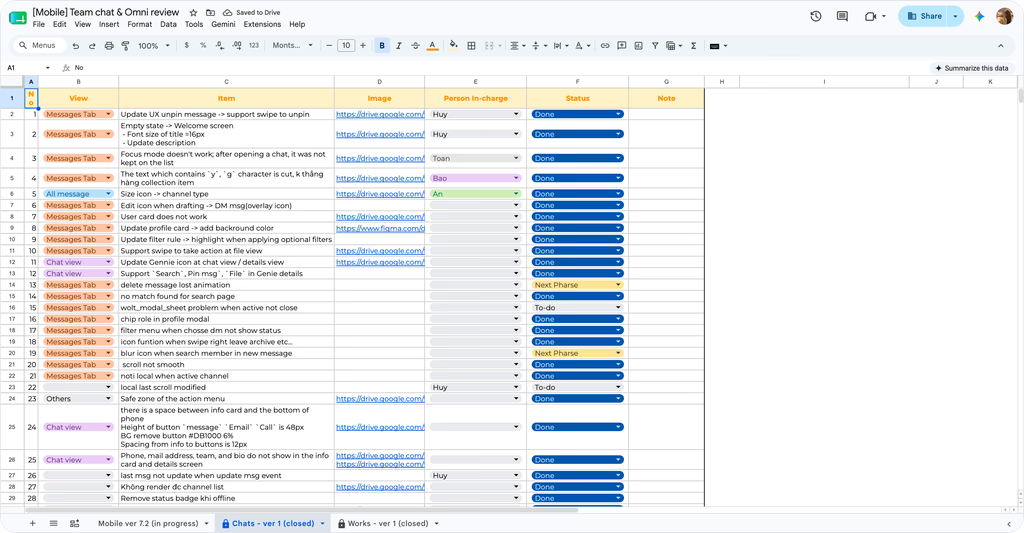
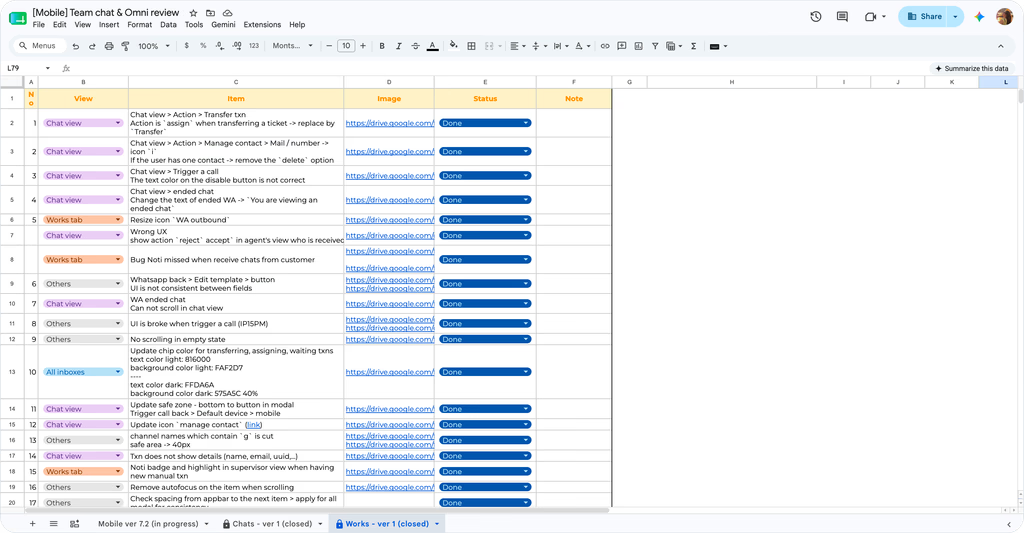
After completing the design, I collaborated with the UX team, front-end engineers, and PMs during handoff sessions to ensure the final solution met business requirements and was technically feasible.
We managed in Jira, planned and tracked work across sprint cycles, and supported release and deployment to ensure features were delivered on time and aligned with the approved design.
For Team Chat + Works, I regularly tested TestFlight builds on real devices to validate the user experience, identify UI issues, and refine interactions with front-end engineers until the product felt polished and native on mobile.