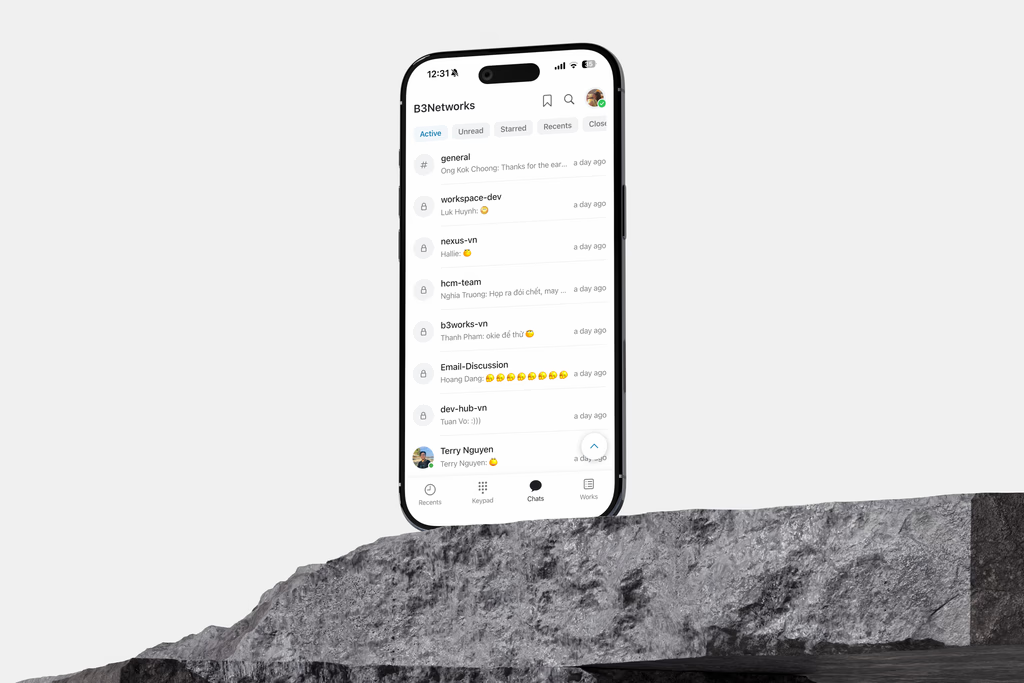
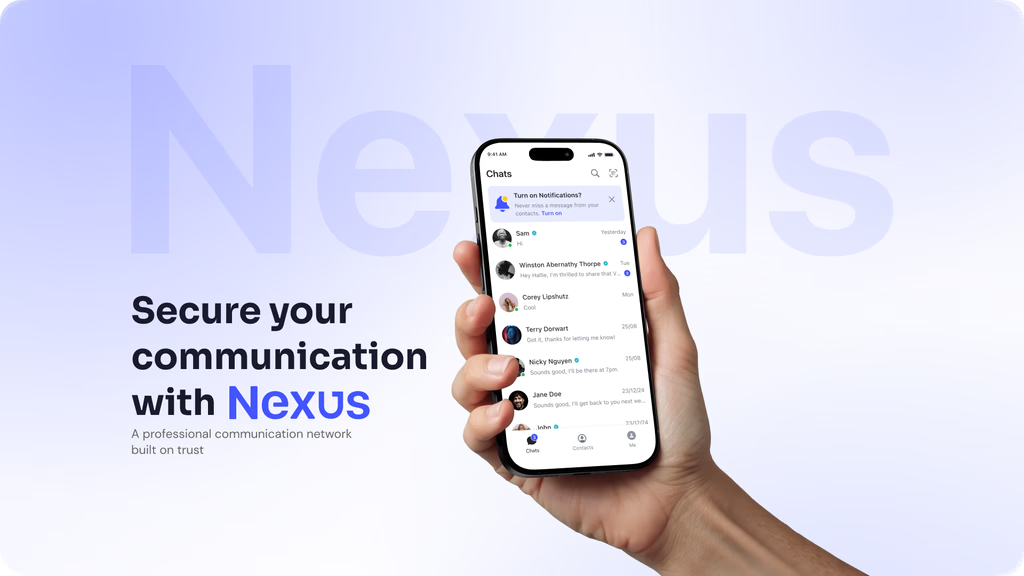
Workspace AI: Integrating AI into the Works Tab
B3networks
Product design
2026
This project focused on designing the Work tab inside Workspace AI B3Networks' intelligent omnichannel platform. The Work tab serves as the operational core where agents manage conversations, tasks, and service interactions across multiple channels, all within a single unified interface.
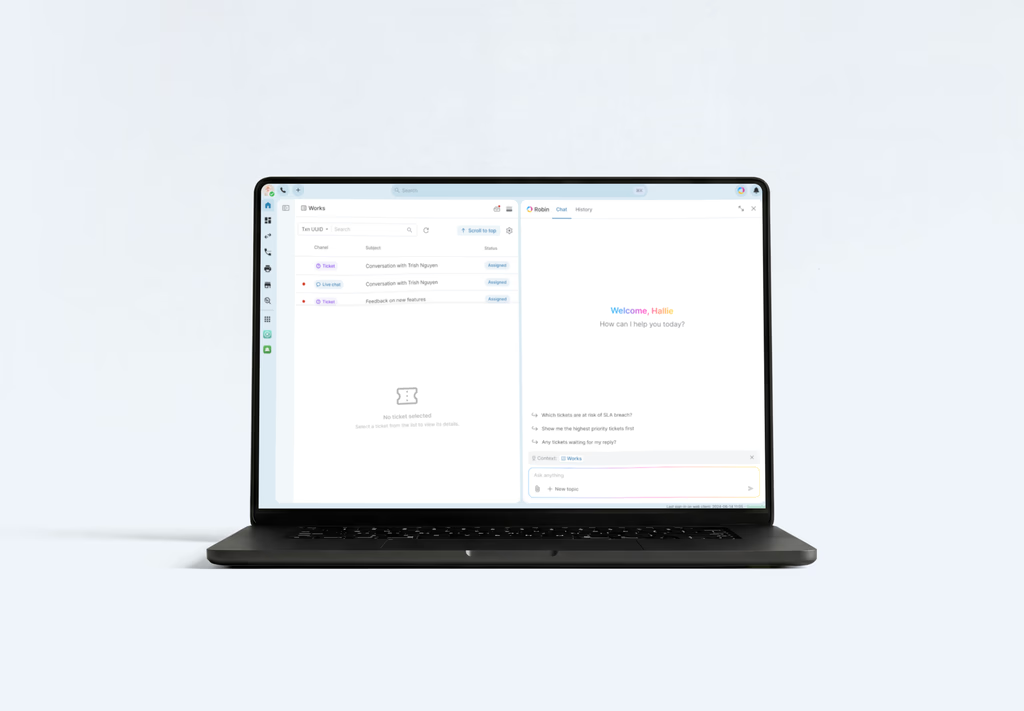
From a product design perspective, the scope covered:
Defining the information architecture for the Work tab
Designing the omnichannel conversation management model
Establishing interaction patterns for personal agents and service agents
Structuring the AI-assisted composer and universal search experience
Coordinating the UI handoff process with engineering and product stakeholders
The result was a more structured, AI-augmented workspace where communication, task execution, and agent configuration feel purposeful and coherent — rather than scattered across disconnected surfaces.
The Problem
A fragmented omnichannel experience
Agents working across multiple channels: chat, voice, ticket (internal tasks, email) had no unified view of their work. Conversations were siloed, context was lost between sessions, and there was no coherent way to track the full lifecycle of a customer interaction. The interface presented information at a surface level without supporting the kind of fast, confident decision-making agents need.
The Work tab existed, but it lacked the structure to act as a true operational center. Items like incoming work, active sessions, transferred conversations, mentioned tasks, and closed interactions were either buried, unsorted, or missing entirely.
Introducing AI as a meaningful layer, not noise
Workspace AI introduced "Robin," a personal AI assistant embedded directly into the workspace. The harder design question was not whether to include AI, but how to integrate it without disrupting the agent's flow.
The system needed to support:
AI-generated content (action summaries, agendas, HTML outputs)
Composer assistance with contextual suggestions
Skill-based agent configuration for both personal and service agents
Universal search that operates across conversations, documents, and knowledge
This required defining what AI interaction should feel like at each touchpoint, when it surfaces proactively, when it waits to be invoked, and how it hands back control to the agent.
Design Goals
Agents should be able to understand their workload at a glance, decide what to handle next, and use Robin without feeling like AI is adding another layer of work. The design exploration focused on four key questions:
How should Robin support writing?
Robin needed to work inside the existing composer instead of becoming a separate writing tool.
The goal was to make AI suggestions feel like a natural extension of the agent’s intent. Suggestions should appear inline, feel easy to accept or edit, and never interrupt the reply flow.
How should AI skills be configured?
Robin had to support different types of AI behavior.
Personal agents focus on individual assistant behavior, while service agents support team or queue-level workflows. These two models needed clear separation in the UI so users could understand what they were configuring and who it would affect.
How should sessions and topics evolve?
Topics needed a clear lifecycle model so agents could manage conversations over time. The design explored states such as open, active, extended, and closed, making it easier for agents to understand whether a topic still needs attention or has already reached a resolution.
Key Alignment
From the UI handoff meeting, the team aligned on several important areas:
Personal assistant menu structure
External-facing skill configuration
Session naming conventions
Service agent settings as a priority for Project Nexus
These decisions helped clarify how Robin should behave across personal workflows, team workflows, and future service-agent use cases.
Given Solution
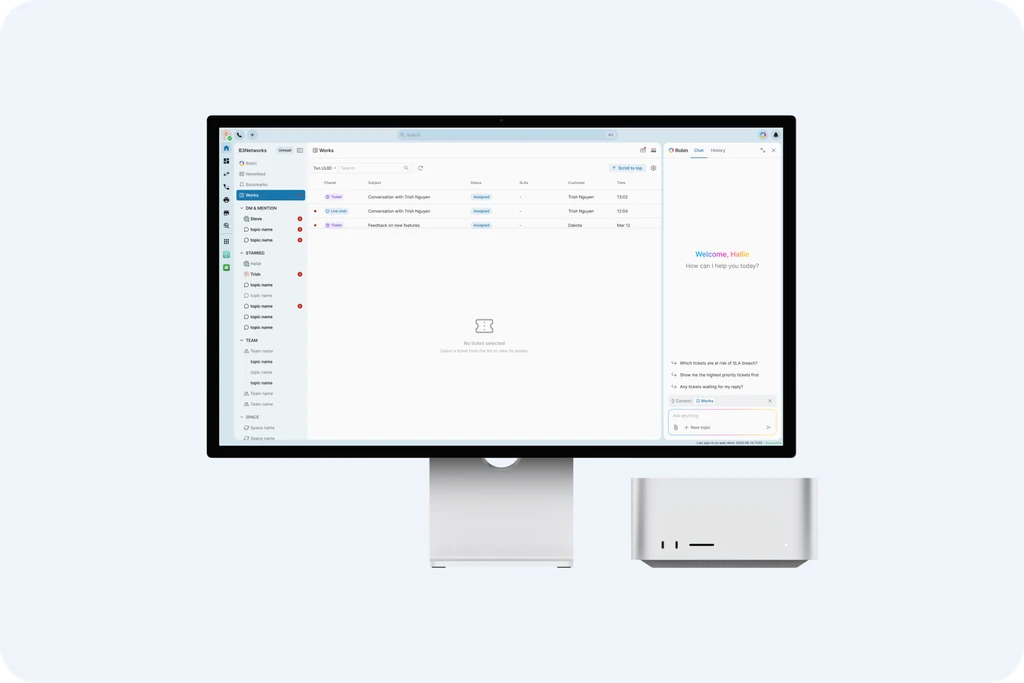
Unifying Inbox and Works
The first decision was to centralize Inbox access within the Works tab.
Previously, Inboxes and Works lived as separate areas, which created unnecessary navigation for users who needed to monitor, assign, and handle conversations. In the redesigned flow, Works becomes the main operational surface for both assigned work and inbox visibility.
For agents, the focus remains on assigned tickets, so keeping Inboxes as an always-visible separate tab added noise.
For supervisors, inbox visibility is still important because they need to monitor unassigned conversations and route them to agents in time.
By bringing Inbox access into Works, supervisors can manage assignments without switching context, while agents can stay focused on the work that requires their action.
The goal was to reduce tab switching, preserve workflow continuity, and make Works a centralized space for handling and assigning work.
Integrating AI into the composer
Another key moment in the workflow is writing a response.
Instead of creating a separate AI writing tool, “Help me write” is integrated directly into the reply box. When triggered, Robin generates a draft that the agent can review, edit, and send.
This keeps the interaction simple and familiar. Agents do not need to leave the conversation or switch context. AI becomes part of the existing action, not an additional step.
Designing a lightweight interaction model
Throughout the product, Robin follows a consistent interaction principle.
It appears where it can help, explains its suggestions, and can always be ignored or dismissed. It does not block the workflow or take control away from the agent.
This ensures that AI remains supportive rather than intrusive.